
A GROWER’S COMPANION
From your first hello
to a grow you can look back on.
Take a tour. Choose a chapter at your own pace.

01 / JOIN
Make it your own.
Create your account so your grow records, profile and progress have one home.
Create your account
Enter your details and choose a username. This is the name other growers will see on your public profile.

Create your account
Enter your details and choose a username. This is the name other growers will see on your public profile.

02 / START YOUR DIARY
Start your first diary.
Give this grow its own record before the small details start to add up.
Set up your grow
Follow the diary setup steps and add your plants and equipment. Keep separate grows in separate diaries.

Set up your grow
Follow the diary setup steps and add your plants and equipment. Keep separate grows in separate diaries.


03 / DAILY CARE
A little care. A clear record.
See today’s tasks, record what you did and adjust the plan when things change.
Choose a day. Check a task.
Use the calendar to find a day, then mark completed actions. Open the task menu to adjust the plan.
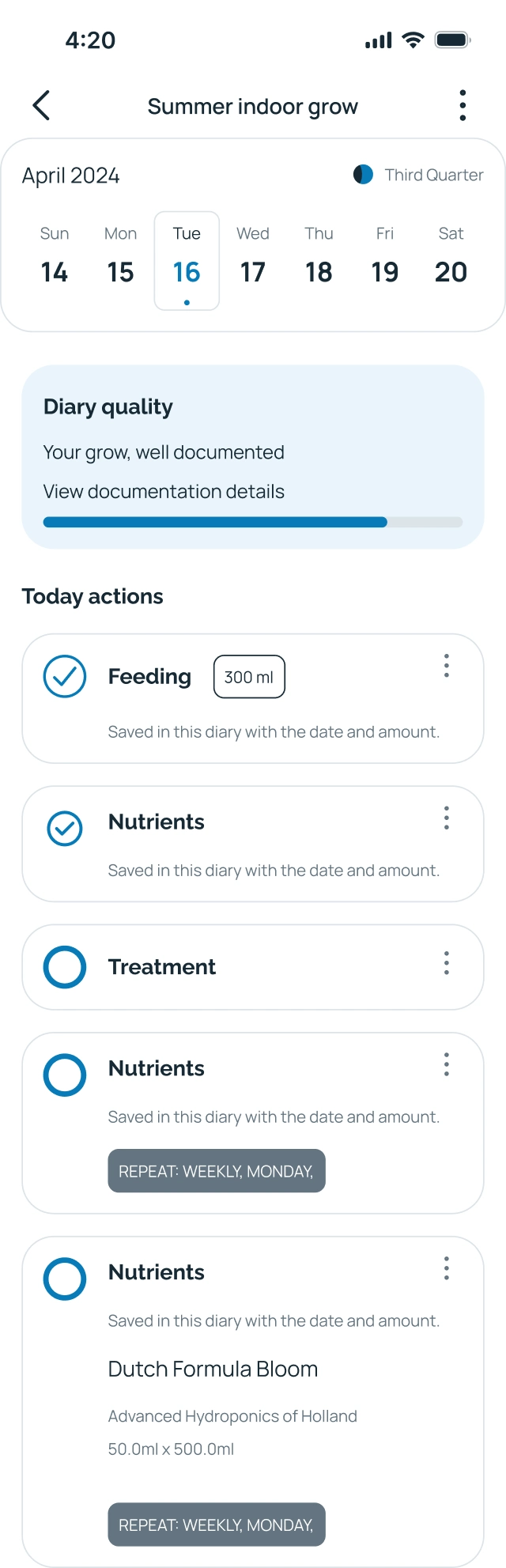
Choose a day. Check a task.
Use the calendar to find a day, then mark completed actions. Open the task menu to adjust the plan.

04 / WATCH YOUR STORY GROW
Watch your story grow.
Keep photos, observations and setup details with the grow they belong to.
Story first. Details when needed.
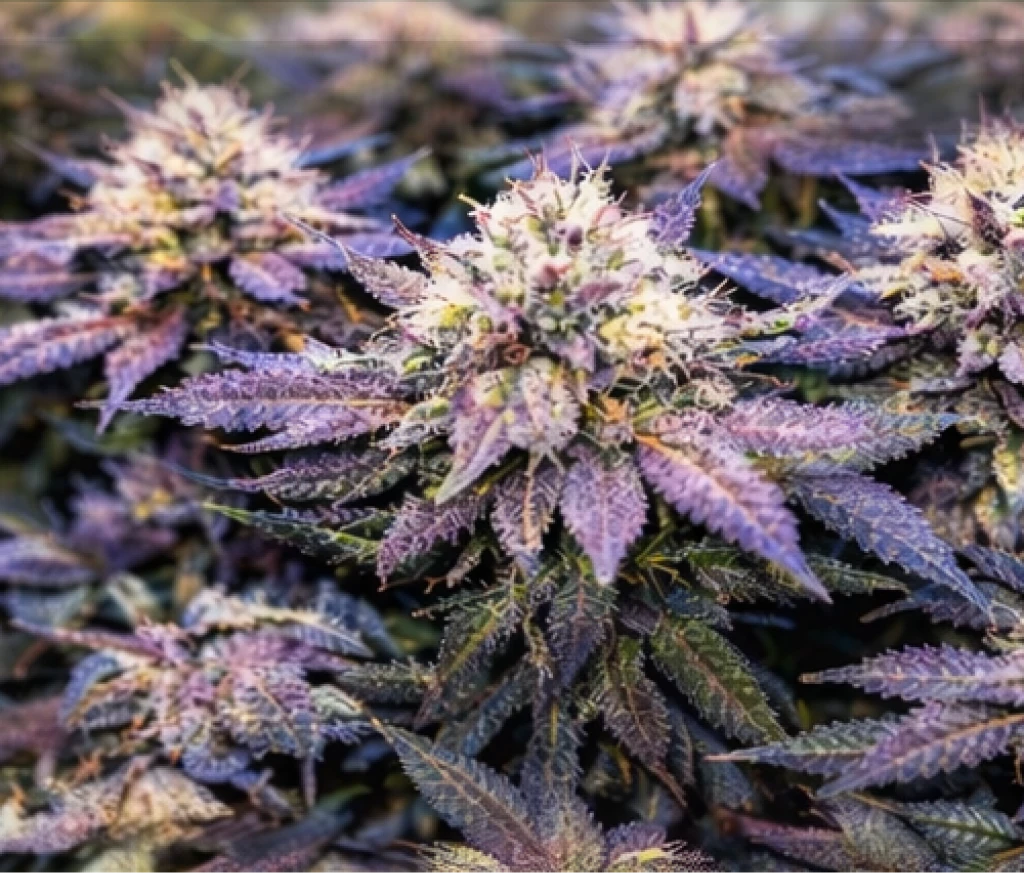
Revisit dated updates in Story. Switch to Details for the plant and setup information behind the record.


 Summer indoor grow

 Day 2 · Week 3
Story
Week 6. Added a new photo and reviewed the diary. Earlier notes help me compare the changes over time.
Grow details
- Strain
- Godzilla Cookies Auto
- Plants
- 3 plants
- Medium
- Soil
- Location
- Indoor
Today’s equipment
Mars Hydro
Mars Reflector 96Vivosun
GT · 48” × 48” × 80”The Pure Factory
Filter 680 M³/H · 150–400Story first. Details when needed.
Revisit dated updates in Story. Switch to Details for the plant and setup information behind the record.
Comments · 2
Alex · 2 days ago
The weekly photos make it easy to see how this grow has changed.
GreenThumbGuy · 1 day ago
Thanks! I keep each photo with its notes so I can look back later.