
Account and sign-in
How do I reset my password?
Recover your HarvestED account using email, a four-digit PIN, and a new password on Android.
Reset your HarvestED password using your account email address, a four-digit PIN, and a new password.
Before you start
You need access to the email address used for your HarvestED account.
Request a recovery code
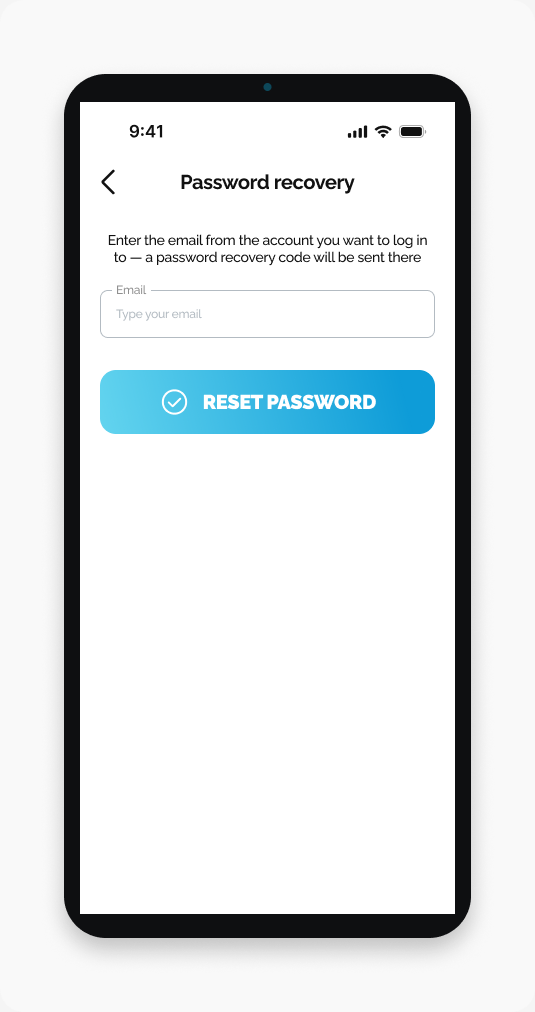
Open HarvestED and go to Log in.
Tap Forgot password?.
Enter your account email address.
Tap RESET PASSWORD.
Enter the four-digit PIN
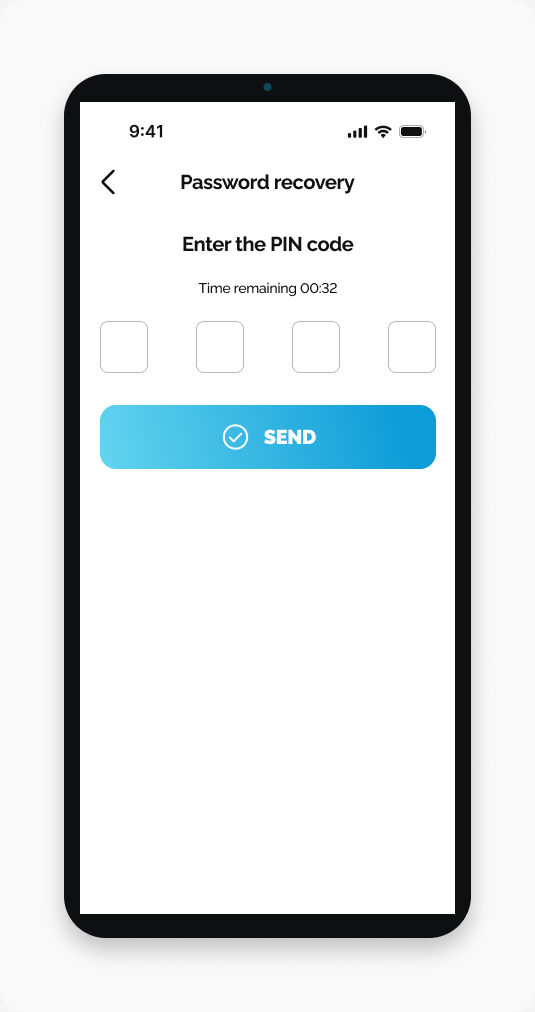
Open the recovery email.
Enter its four-digit PIN in HarvestED.
Tap SEND.
Choose a new password
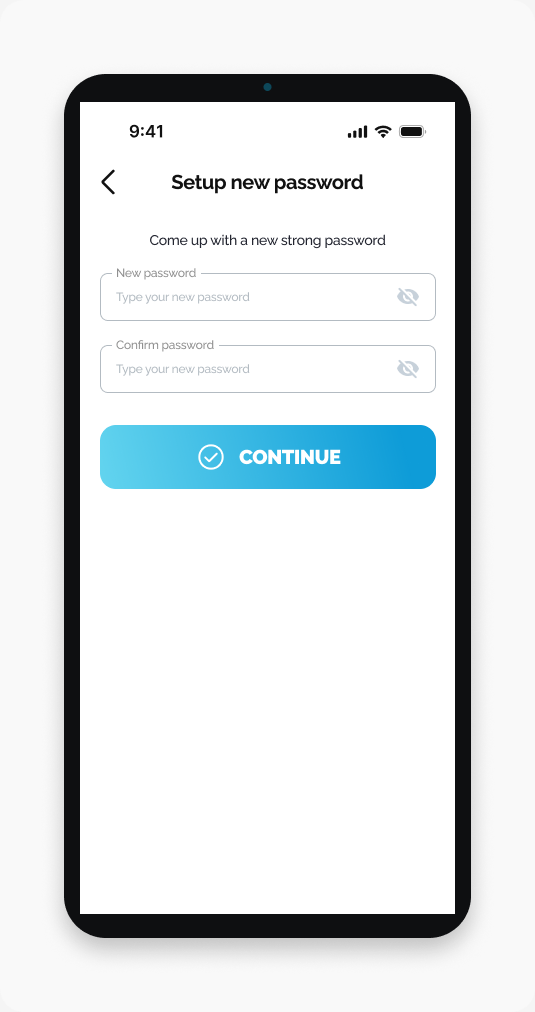
Enter your new password.
Enter it again in Confirm password.
Tap CONTINUE.
What happens next
Your new password is saved. Use it the next time you sign in.
If the PIN does not work
Incorrect PIN code: Compare the four digits with the recovery email and enter them again.
Expired code: When the timer expires, tap SEND CODE AGAIN.
Related help
Need help with a different screen or app version? Tell our team