
Your grow diary
How do I filter public diaries?
Use a diary status filter and reset the results.
Open Growing and select PUBLIC.
Open FILTER.
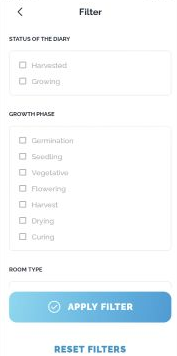
Under Status of the diary, select Harvested.
Tap APPLY FILTER.
Review the returned diary cards and their HARVESTED status.
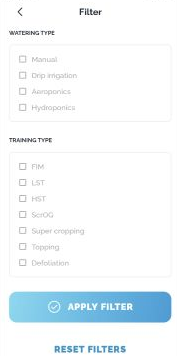
Reopen the filter to review your selection. Use RESET FILTERS to clear it and return to the unfiltered list.
View this article in the Help Center ↗
Need help with a different screen or app version? Tell our team