
Settings and notifications
Where can I find notifications?
Open Notifications using the bell on Home.
Open Home in HarvestED.
Tap the bell in the header to open Notifications.
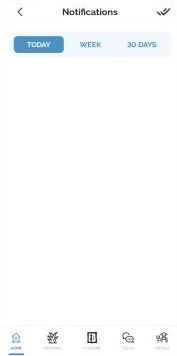
Choose Today, Week, or 30 Days to change the period you are viewing.
Review the cards shown for the selected period. If none are displayed, you can choose another period.
View this article in the Help Center ↗
Need help with a different screen or app version? Tell our team