
Account and sign-in
How do I create an account?
Create a HarvestED account on Android. Phone number is optional; diaries are created separately.
Create your HarvestED account with a username, email address, and password. Your phone number is optional. Signing up creates an account; you create your diary separately.
Open account creation
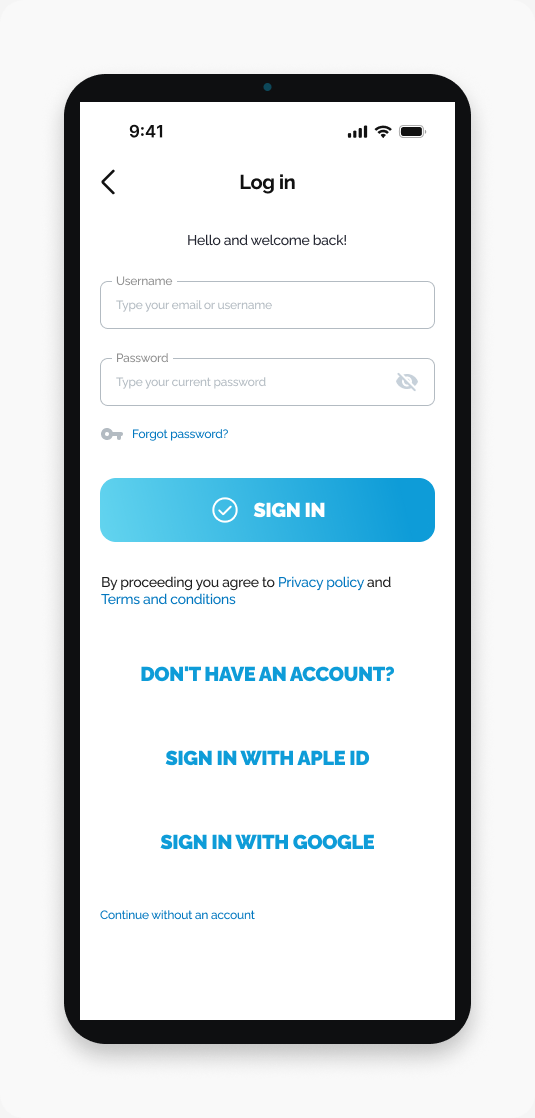
Open HarvestED and go to Log in.
Tap Don't have an account?.
Enter your details
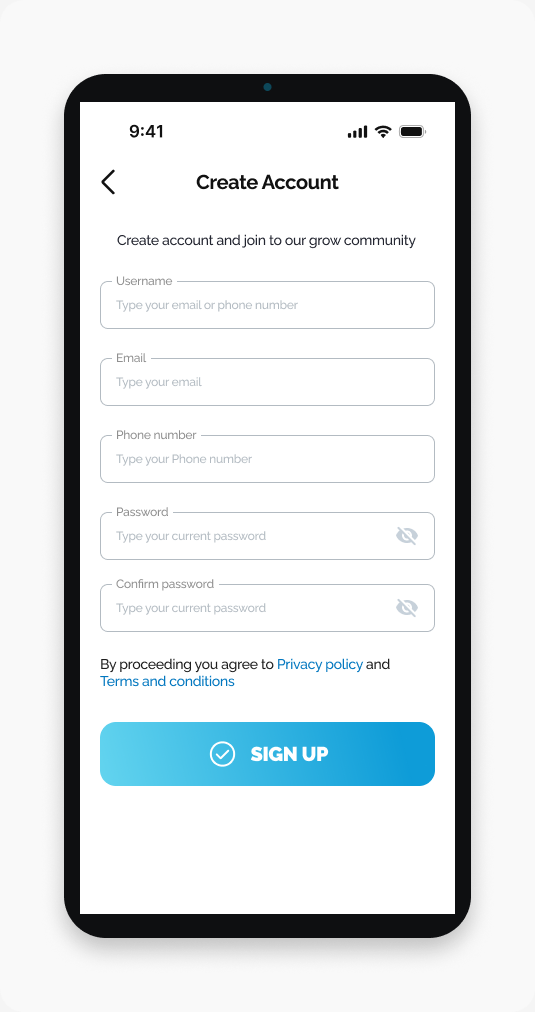
Enter your username.
Enter your email address.
Optional: Enter your phone number.
Enter your password.
Enter the same password in Confirm password.
Review the Privacy policy.
Review the Terms and conditions.
Tap SIGN UP.
What happens next
Your HarvestED account is created. A diary is not created automatically.
If you cannot sign up
Check that your username, email address, password, and password confirmation are filled in. The two passwords must match. You can leave the phone number blank.
Related help
Need help with a different screen or app version? Tell our team