
Your grow diary
Where can I see the strain and pot details saved in my diary?
Review the saved strain information and pot details in your Android diary.
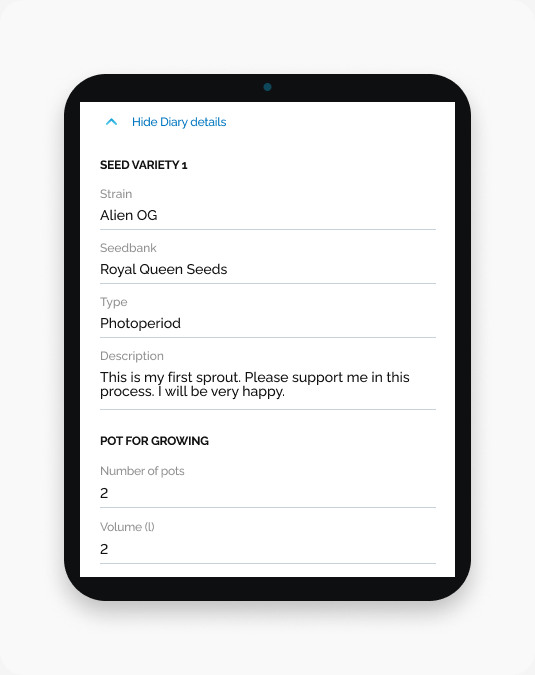
Your expanded Diary details show the strain information and pot details recorded for each seed variety.
Start here
Open HarvestED and open your diary with Diary details expanded. The expanded view has a Hide Diary details control above the information.
What you can see
Under SEED VARIETY 1, look for Strain, Seedbank, Type, and Description. Under POT FOR GROWING, look for Number of pots and Volume (l).
The screenshot shows one seed variety and its pot details. Example values are not recommendations.
What happens next
You can review the recorded details without editing them.
If the details look different
Check the diary name and the seed variety heading before comparing the details with your records.
Need help with a different screen or app version? Tell our team